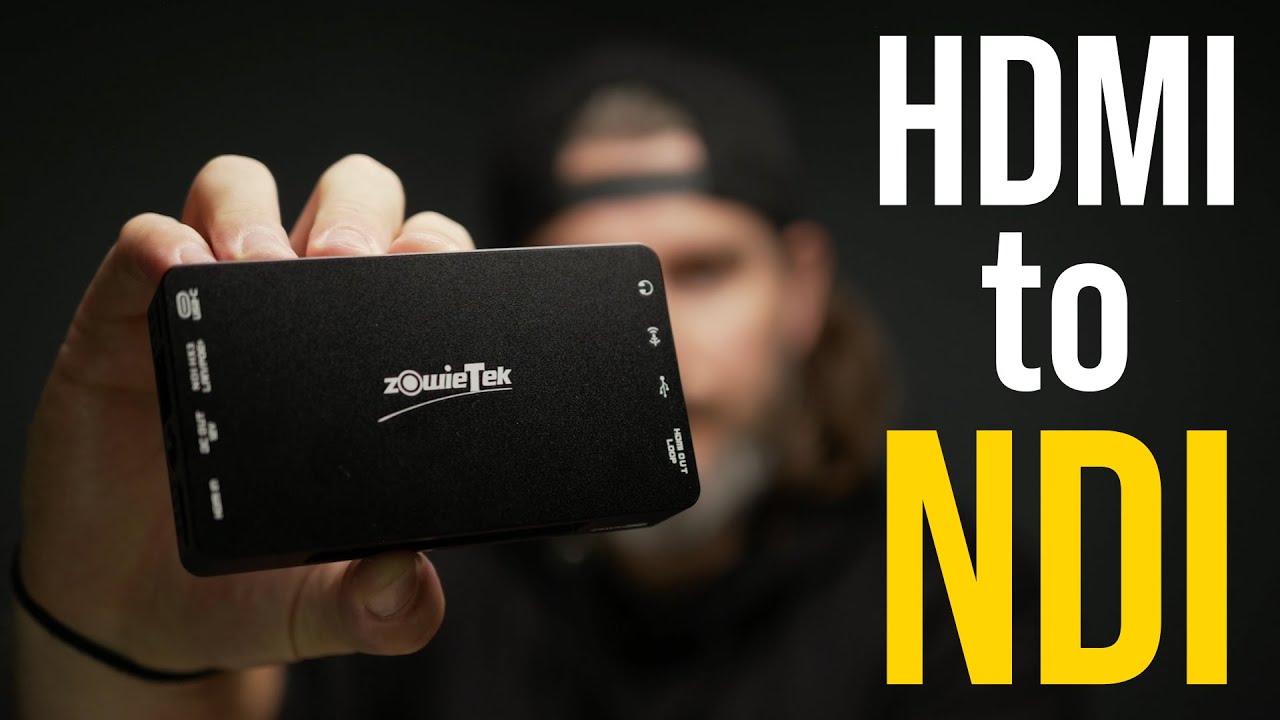
ZowieBox: Convert HDMI to NDI and So Much More

ZowieBox: Convert HDMI to NDI and So Much More
What this hardware actually is
ZowieBox is a compact hardware encoder and decoder that handles 4K class input with a browser based control panel. It is built to run standalone, so you are not forced into a permanent laptop dependency just to get a signal online.
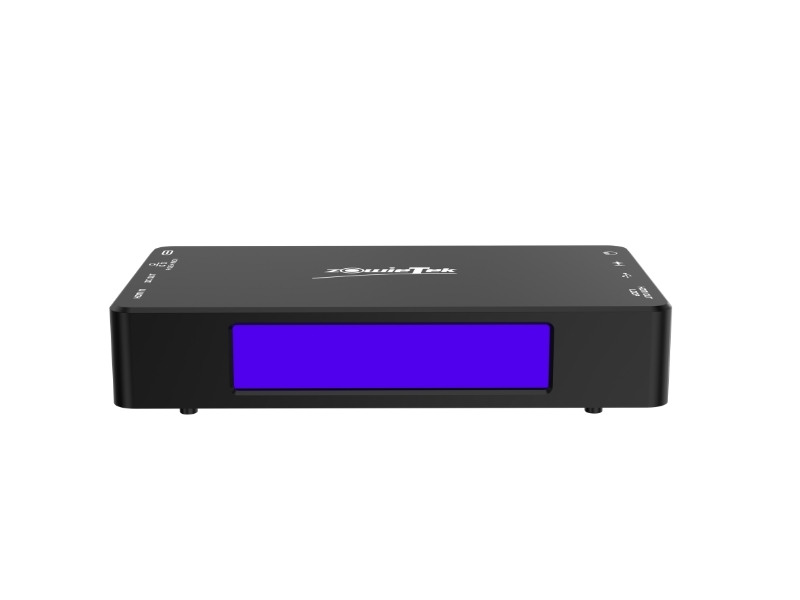
You are working with a few key physical wins right away: a small aluminum body, a front status display, and tally support that helps on talent side and multi camera coordination. That combination matters when you want a portable rig that still behaves like real production gear.
HDMI passthrough, NDI HX3, and why that combination matters
The strongest point in this workflow is the mix of local and network paths at the same time. You can feed HDMI into the unit, keep near zero lag monitoring on loop out, and publish a network stream for software or switchers elsewhere on your LAN.
It is officially listed as NDI HX3 capable in the NDI ecosystem, which is the practical tier most creators need when balancing quality, bandwidth, and latency in a normal office or studio network. NDI docs explain how HX3 is positioned for low latency compressed transport: NDI HX3 documentation.
If you are trying to clean up an existing creator setup, this is exactly where Tographer content consulting helps. You can map signal flow once, remove fragile hacks, and stop rebuilding your chain every week.

USB input, direct streaming, and simultaneous recording
This box is not just one trick NDI hardware. You can ingest UVC webcam sources, stream directly with RTMP, RTMPS, or SRT targets, and record locally to microSD, USB storage, or NAS while the live stream is running. That shifts your risk profile because you still keep a cleaner local master for edits when platform bitrate is constrained.
For platform workflows and encoder behavior, cross check the full ZowieBox spec page, OBS NDI integration guidance, and SRT transport background.
If your goal is to build a repeatable short form plus long form capture pipeline after live sessions, pair this hardware approach with the one day content creator virtual bootcamp so you can lock in a workflow your team can actually run.
Setup flow and live test takeaways
A reliable setup pattern is straightforward: connect power and Ethernet first, attach HDMI, verify loop output, open the browser control UI, enable NDI mode, and restart when firmware says changes apply after reboot. That restart step matters because some network mode switches do not fully apply until then.
Once active, your source should appear in NDI receivers like OBS or compatible switchers. A practical field path is camera HDMI into ZowieBox and NDI into your switcher, then optional phone based NDI sources on the same network for flexible extra angles. For fast troubleshooting and sync cleanup across mixed sources, a focused 1 hour virtual consult can save days of guesswork.

Limitations and best fit
You should still plan around real constraints: this is NDI HX class transport rather than full bandwidth NDI, advanced menus have a learning curve, Wi-Fi reliability depends on your network, there is no internal battery, and 4K behavior depends on stream profile choices. Ethernet first and deliberate testing remain the safest path.
If you want one compact unit that can convert HDMI to network video, stream directly, record simultaneously, and reduce long cable runs in a growing studio, this is a practical tool that punches above its size.