Lumix How to Activate Paid Upgrades: SFU1, SFU2, SFU3A (HDMI RAW, ARRI LOGC3, V-LOG, ETC)


Lumix How to Activate Paid Upgrades: SFU1, SFU2, SFU3A (HDMI RAW, ARRI LOGC3, V-LOG, ETC)
If you are trying to unlock paid Lumix features and keep getting stuck, the fastest way through is to run the activation sequence exactly, in order, without improvising. You start at Panasonic's activation portal, export your camera serial file to an SD card, upload that file, enter your purchased activation key, download the generated activation file, then import it back into the camera from the same menu path. When you follow that chain cleanly, it works.
The activation hub is here: Panasonic Enhance ActivationTop. Save that link directly so you do not end up on a lookalike page or the wrong product flow.
Start with the right paid code for your camera body
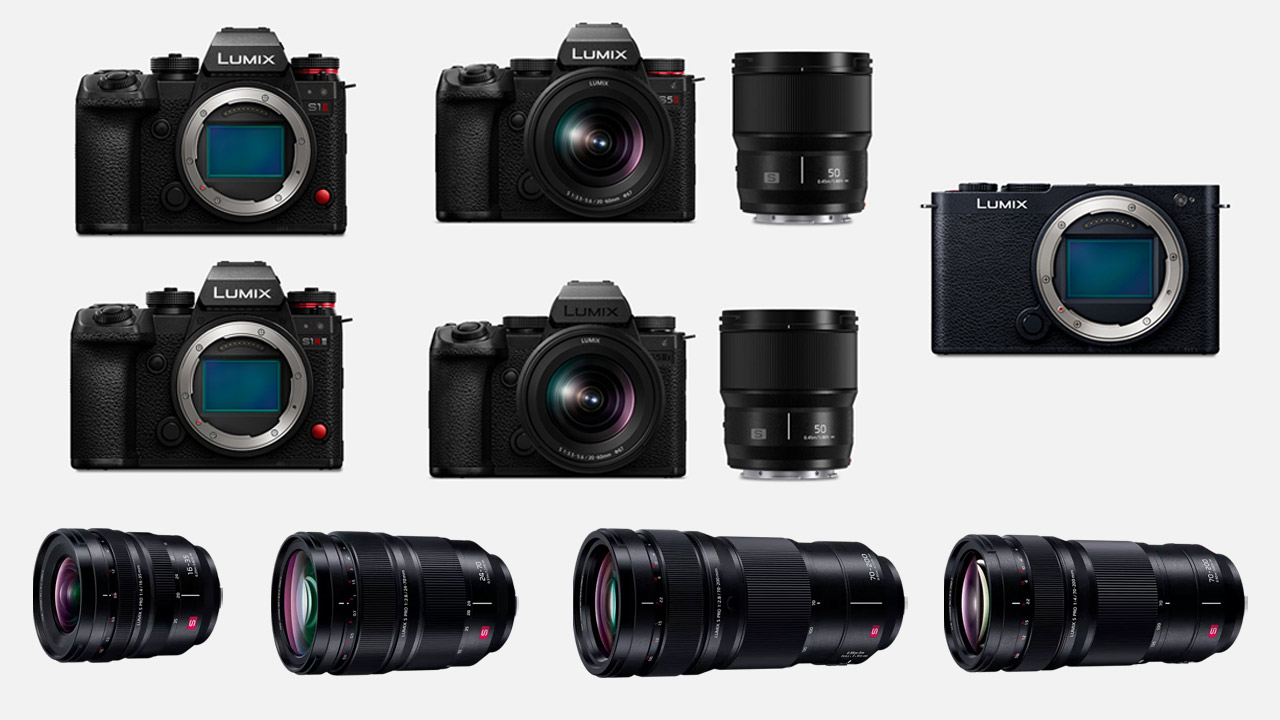
The paid key is not generic across the lineup. You need the correct upgrade family for your exact body generation. The SFU2 path is commonly used for Lumix S1 and S5 II class workflows that add external RAW options. The newer SFU3A path is used on newer bodies like GH6, GH7, S1RII, S1II, and S1IIE. Match camera, code, and activation page before you upload anything.
Use Panasonic's official firmware/download index to confirm compatibility first: Lumix full-frame camera firmware downloads. If you need help mapping your kit before purchase, a focused planning call through Tographer's 1-hour virtual consult can save you from buying the wrong key.
Prep the card and export serial.lst from the Activate menu
Inside camera, insert an SD card, format it, and make sure firmware is current. Then go to the wrench menu and scroll down to Activate. The first operation is Export Serial Code. That writes serial.lst to the card. If that file is missing or written to the wrong card, the web step fails.
This is one of those moments where consistency matters more than speed. Use one card, one slot, one clean export, and avoid jumping between multiple cards during the process.
Upload serial.lst, enter key code, then download active.lst
Move the SD card to your computer and open the PRIVATE folder path where serial.lst was created. On the activation page, upload that serial file and submit it. After that, enter your purchased key exactly as issued, including every character and separator.
If key validation succeeds, the portal generates active.lst. Download that file and place it back on the same SD card in the expected PRIVATE folder path. Do not rename the file. Do not move it to a custom folder.
If you are building repeatable delivery systems around hybrid camera setups, this is the same operational discipline you need for client work, color pipelines, and handoffs. That is also where Tographer content consulting is useful because it ties technical steps to real production execution, not random gear checklists.

Import active.lst in camera and verify the paid function
Return the card to camera, open the same wrench menu, then Activate, and run Import Activation Code. Select the card slot that contains active.lst and execute. After import, check the activation list in-camera and confirm the new capability appears, such as HDMI RAW data output.
For practical external RAW workflows, review Blackmagic's current codec guidance: Blackmagic RAW overview. Then map that against your recorder and post pipeline before relying on it during paid work.
Avoid the failure points that waste the most time
Most activation failures come from four avoidable mistakes: wrong activation portal section, wrong code family for the camera, file placement errors, or power instability during import. Keep a fully charged battery in camera before activation import and do not interrupt the process once it starts.
If you are maintaining multiple Lumix bodies, create a one-page checklist and run the same order every time: firmware check, serial export, upload, key entry, active file download, import, verify. If you want that checklist integrated into your larger production stack, Tographer's one-day creator bootcamp is built for exactly that kind of operational cleanup.
Done right, this is not a painful technical chore. It is a short, controlled workflow that unlocks features you already paid for and keeps your camera ready for serious production use.