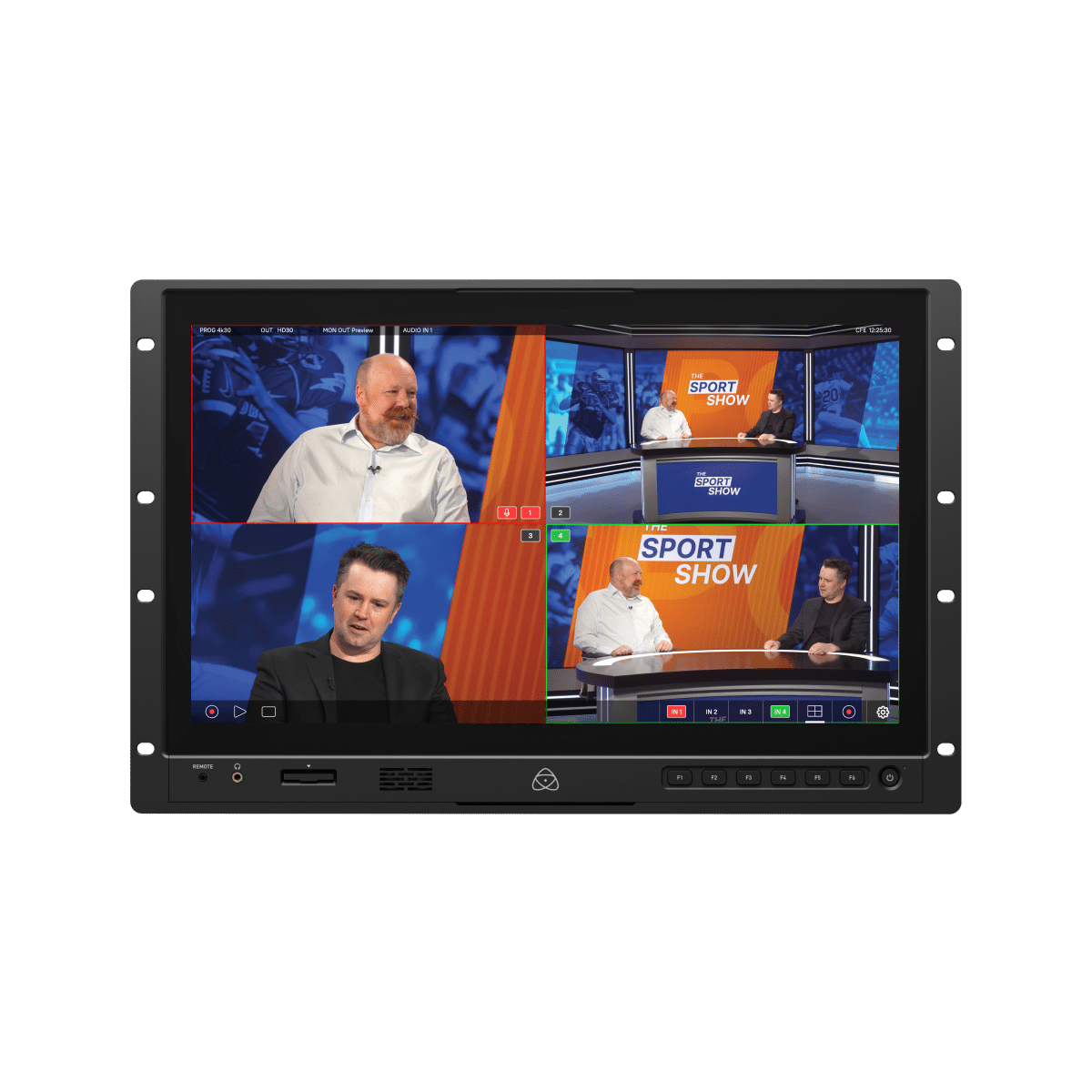
YoloBox Extreme Review: More Resolution. More Power.


First look: what this box is trying to solve
YoloBox Extreme is positioned as an all in one live production system for people who need more than a simple two camera stream. The core pitch is straightforward: 4K switching, ISO recording, multiple network protocols, and enough I/O to run a real multicam show without building a computer based control stack first.
The hardware rundown is the main reason this unit exists. You get eight HDMI inputs total, with support for up to five 4K inputs plus additional 1080 sources, dual HDMI outputs, Ethernet, USB, dedicated audio I/O, and USB-C data and power paths. You also get an 11.2 inch OLED touchscreen that feels closer to operating a tablet than operating a traditional rack style switcher.
Official hardware claims and feature lists are published by YoloLiv on the YoloBox Extreme product page. Retail availability and pricing references are also listed at B&H Photo and from YoloLiv directly.
If you are planning to build a mobile live workflow and want a sanity check before you buy, this is where a targeted content consulting session can save you from building the wrong rig first and replacing half of it later.

Setup, controls, and why the touchscreen matters
The immediate win is that you can run the system without an external computer. That changes setup time in a real way. Instead of configuring software, interfaces, and capture paths on a laptop, you power the unit, patch your inputs, and start building scenes directly on the screen.
The touch workflow is practical. Input switching is simple tap behavior. Layouts can be treated as switchable sources. Preset layouts are available, and custom layouts are fast to build with drag and drop controls. If you already know camera and audio fundamentals, the menu depth is manageable and organized enough that you can move quickly after a short orientation pass.
One tradeoff is physical controls. Compared with button heavy hardware switchers, this is more touch centric, so if you rely on tactile button memory you need some adjustment time. For many creators this is still a fair trade because automation and touchscreen speed replace a lot of repetitive manual switching work.
For teams scaling recurring productions, it helps to document scene templates, audio maps, and transition logic as part of your production SOP. If you need help building that repeatable workflow, the 2-Day On-Site Content Intensive is built for exactly this kind of system level setup.

Live production features that actually move the needle
The meaningful feature set is not one spec, it is the combination. You can stream in real 4K, capture ISO files for post, run NDI and SRT workflows, control PTZ cameras, build scoreboards for sports work, and trigger multiview structures that would otherwise need extra hardware or software layers.
Battery backup is also a serious benefit. With a built in battery rated up to long runtime, short power interruptions do not instantly kill your broadcast. For mobile crews, event teams, and location work, that alone is a reliability upgrade.
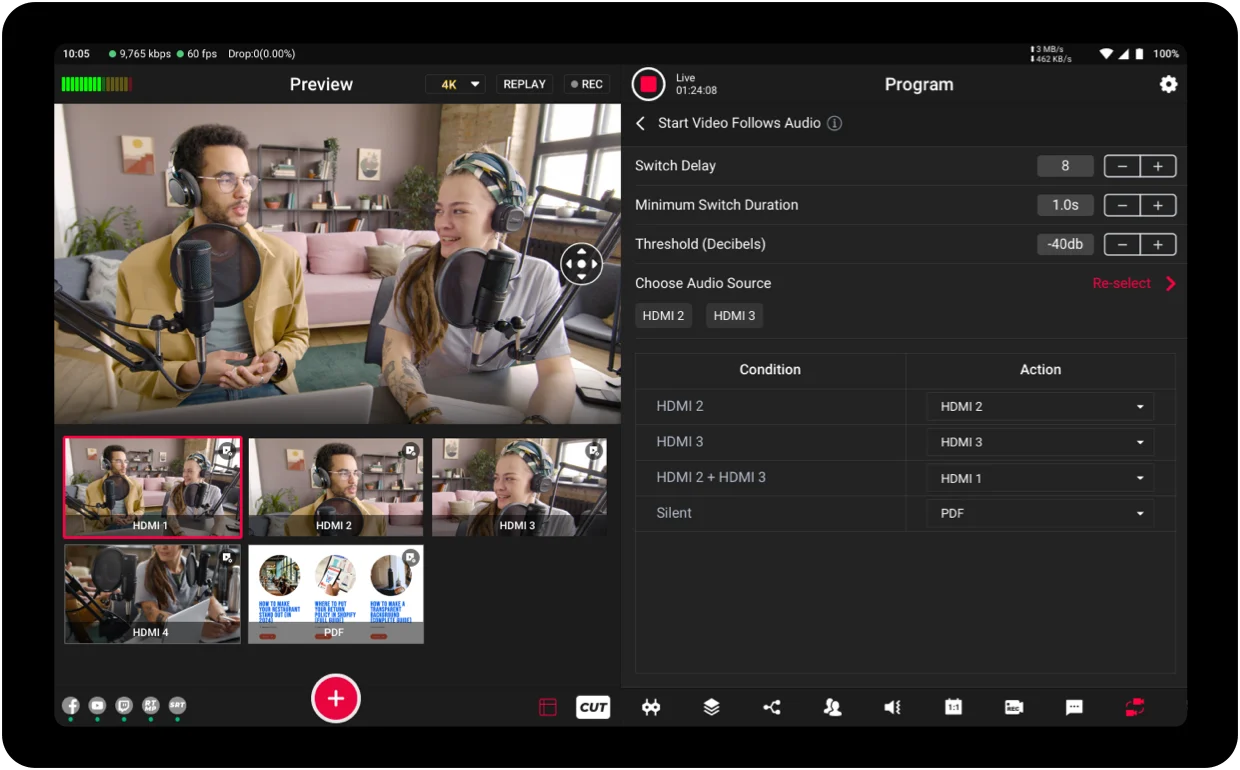
There is also strong utility in features like Video Follows Audio for panel style content, podcasts, and interview formats where spoken turns are predictable enough for auto switching. You still need to tune your audio gain structure, but once levels are controlled, this can reduce your operator load significantly.
If your production stack includes remote contributors, YoloLiv documents its networking and remote control ecosystem in their app and web control overview. For protocol background, the NDI documentation and SRT overview are useful references when planning IP based camera paths.
Where it fits best, and the main caveat
If you are producing podcasts, sports, conferences, worship events, or weddings with multiple camera angles, this system hits a strong value point between small creator gear and high cost broadcast switchers. It gives you enough depth to grow without immediately forcing you into a fully custom control room build.
The biggest caveat reported during use is preview smoothness. Program output stays clean, but preview windows can look slightly choppy under heavier multiview load. That can feel alarming at first if you expect every preview tile to match final output fluidity. In practice, final program quality remains solid, but it is still a behavior you should test in your exact workflow before client work.
Bottom line: if you need true multicam flexibility, 4K capable streaming and recording, and a setup that does not require hauling a computer everywhere, this is one of the clearest all in one options in its class. If you want to explore more creator tools and training options around that workflow, browse the current catalog at the Tographer store.