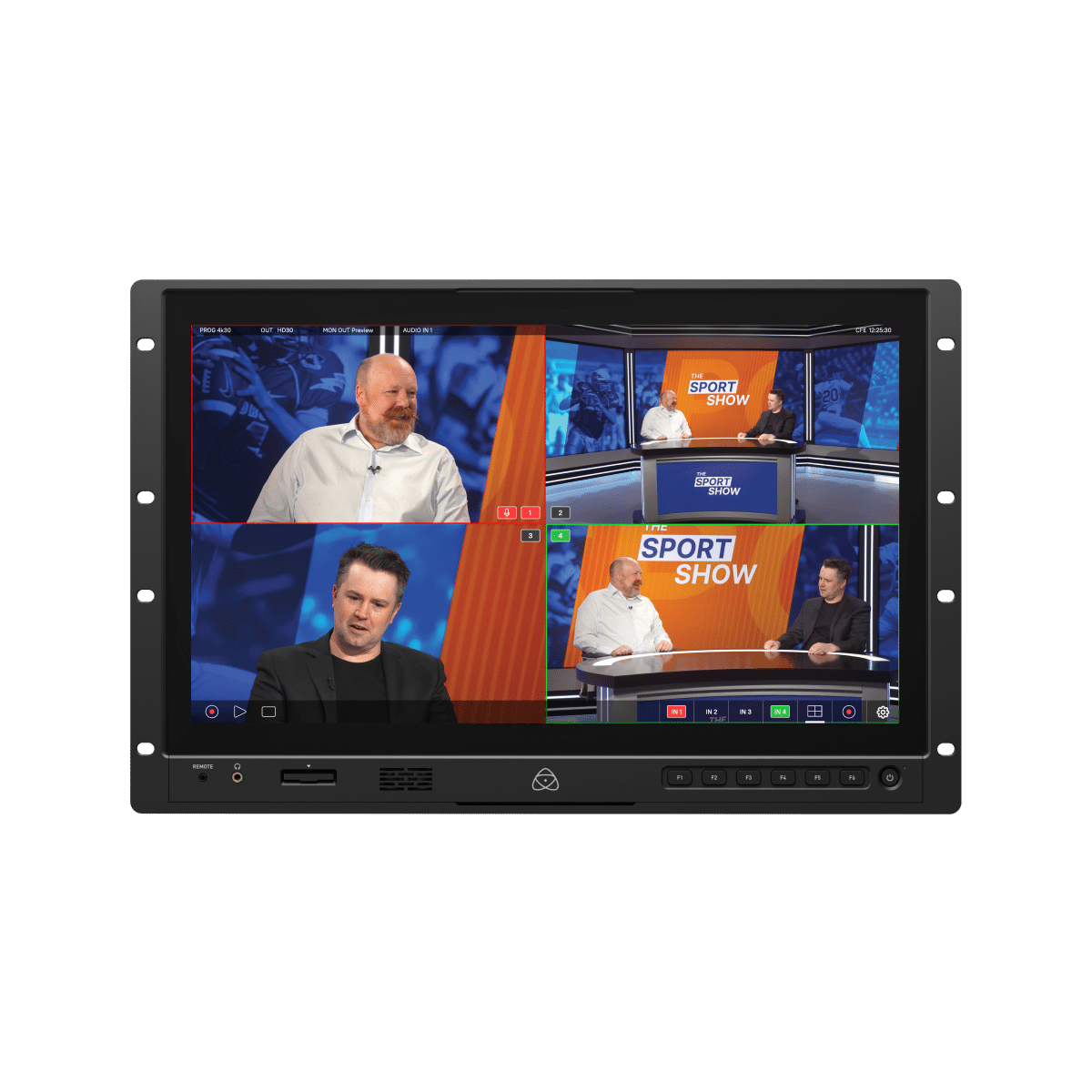
YoloBox Extreme: 4K Autonomous Multicam Switcher with Video Follows Audio (VFA)

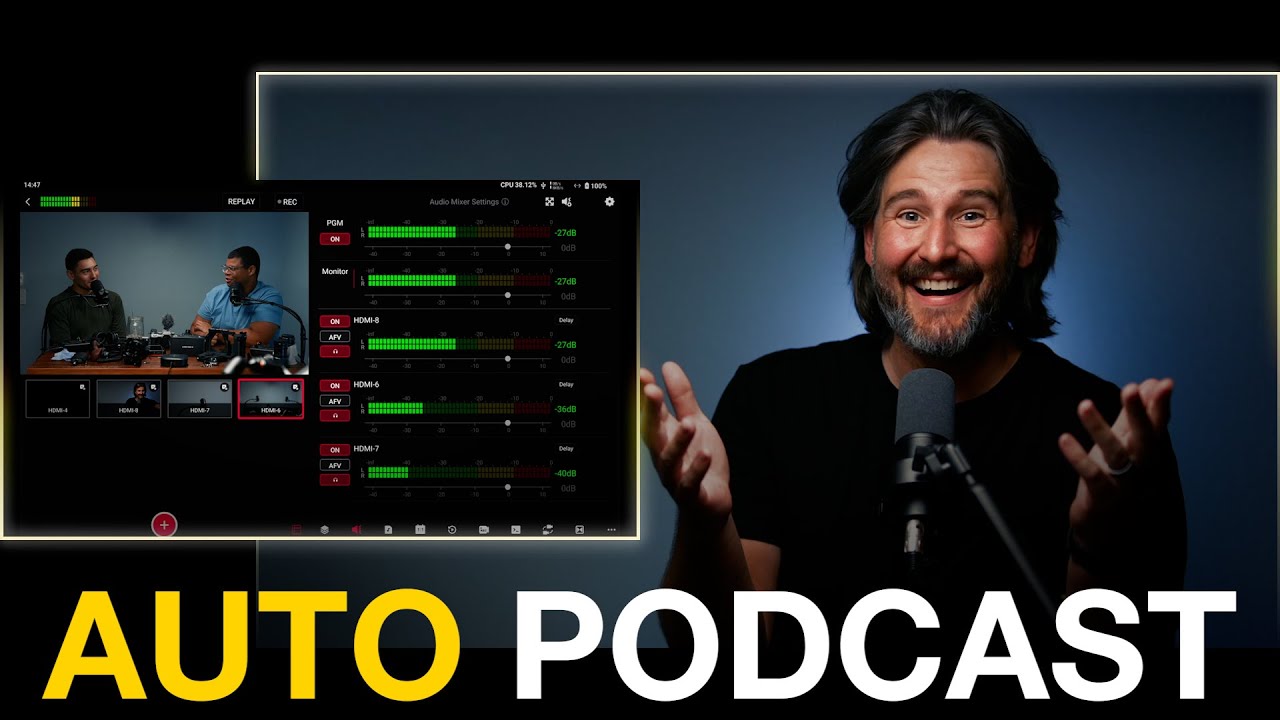
YoloBox Extreme: 4K Autonomous Multicam Switcher with Video Follows Audio (VFA)
What this solves in real production
If you run a podcast, interview show, classroom stream, church feed, or sports setup, you already know the pain point. Manual switching adds labor, and every extra operator adds cost and complexity. What stands out here is not just another small switcher. You get a 4K-first all in one box with eight HDMI inputs, assignable outputs, built in battery power, and automatic camera switching based on who is speaking.
The practical draw is video follows audio. You can let mic activity trigger camera cuts without a dedicated person riding buttons. That means you can finish with a usable live cut immediately, then decide later if you want deeper post work.
YoloLiv documents the core hardware and VFA behavior on the official YoloBox Extreme page. If you are mapping this into a weekly content workflow, Content Consulting is useful when you need your capture setup tied directly to publishing cadence.

How the switching logic actually works
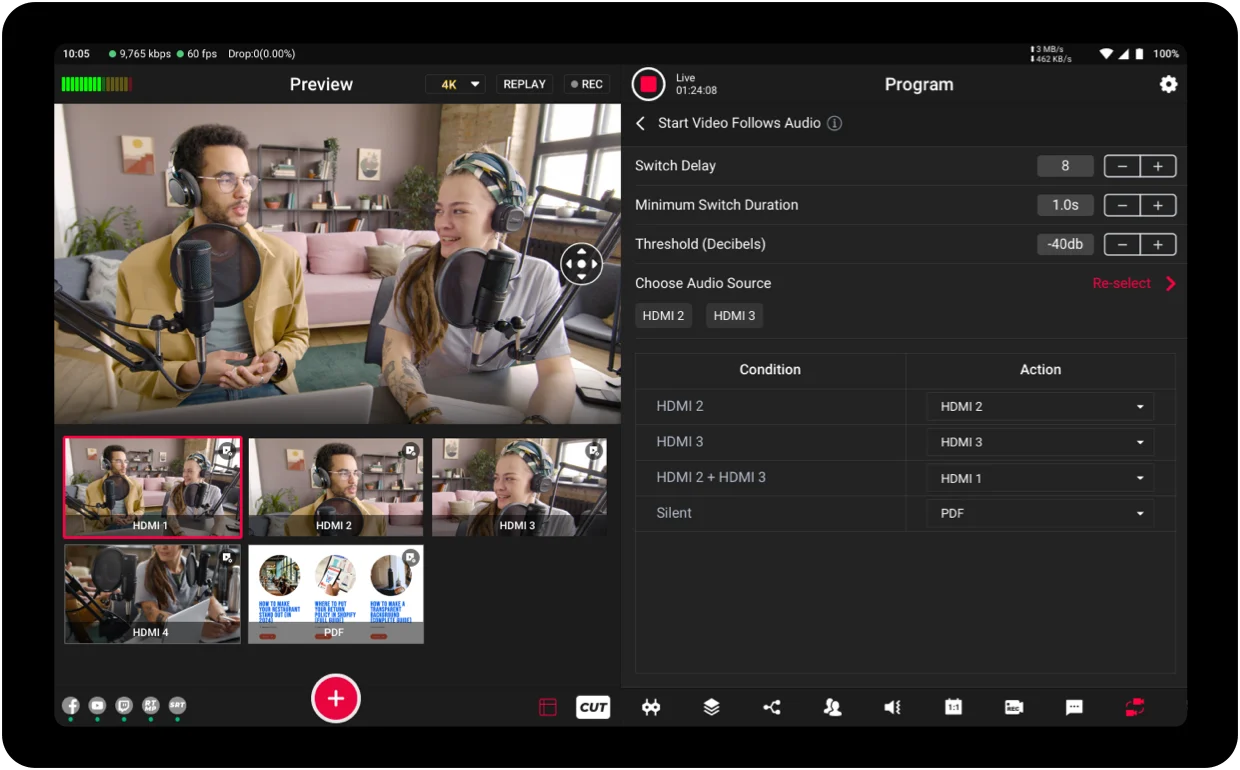
The useful part is the conditional logic, not the marketing label. You tune sensitivity, minimum switch duration, and audio threshold so cuts happen when a speaker is actually active, not from every little noise. Then you map trigger behavior however you want: mic A can cut to camera A, or mic A can cut to any other angle if your framing strategy calls for it.
You can also build combo behavior when multiple channels are active, rename inputs, and repatch routing quickly on the touchscreen interface. That is a major difference from fixed button-only workflows. The point is not that there is one right preset. The point is that you can dial response to your room, your mics, and your show format.
If you want to compare this category against legacy switcher approaches, Blackmagic’s ATEM ecosystem overview is a useful reference point for feature tradeoffs and workflow differences: ATEM Mini lineup.
NDI, wireless sources, and why this matters
You are not limited to only hardwired HDMI cameras. The unit supports NDI inputs, so phones and tablets on the same network can become camera sources with compatible apps. That gives you fast roaming angles without running long cables through a room.
For small teams, this is a real multiplier. You can add extra viewpoints from devices you already have, then switch them like standard inputs. In practical terms, it opens up family event coverage, worship overflow angles, creator studio cutaways, and simple field interviews without a full broadcast cart.
NDI itself is documented at ndi.video, and it is worth understanding the network assumptions before relying on wireless paths under pressure.

Speed versus safety: program feed or ISO workflow
There are two valid operating modes here. For low-stakes recurring content, a clean program feed is often enough. You get speed, lower edit overhead, and faster publish cycles. For higher-stakes productions, ISO recording is the safety path because you can rebuild decisions later.
That choice should be deliberate. If this episode must be perfect, record isolated feeds and budget edit time. If this episode needs to ship quickly and consistently, rely on the live cut and keep moving. Both are correct depending on risk tolerance and turnaround requirements.
Storage media speed matters when you push multiple 4K captures at once. Slow cards or drives become the bottleneck long before the switcher does. For teams building predictable runbooks around this, a One Day Content Creator Virtual Bootcamp helps lock the recording strategy, ingest flow, and publish handoff into one repeatable system.
Audio routing is the hidden make or break
One of the most practical details is audio sync discipline. HDMI paths introduce delay characteristics, so if your audio arrives from one route and your video from another, sync drift can show up fast. A reliable pattern is routing microphone audio into cameras first, then sending embedded audio plus video together over HDMI so both signals share the same delay behavior.
That routing choice is not flashy, but it prevents the kind of lip-sync problems that ruin otherwise good livestreams. This is where many setups fail, especially when people mix and match multiple signal paths without timing checks.
If you need additional context on low-latency contribution and sync-sensitive workflows, Haivision’s transport resources are useful background reading: Haivision resources.
When this platform makes the most sense
This approach fits teams that want fewer boxes, faster setup, and predictable weekly output. You can run multicam, remote guests, overlays, replay elements, and automatic speaker-follow switching in a footprint that fits in a backpack. Battery plus SIM support also makes field workflows much easier when power and fixed internet are uncertain.
If your current process still depends on stitching together a laptop, switcher, external monitor, and extra glue software every time, this is the category of upgrade that removes friction immediately. You still need thoughtful setup, but once calibrated, the day-to-day operation is dramatically smoother.
For a faster first pass on whether this is the right move for your exact production volume, a 1-Hour Virtual Consult is a practical way to validate your capture and delivery plan before buying into the wrong stack.