Hybrid-by-Default Video Workflows: 3 Videography Trends Smart Creators Are Acting On

By year-end, creators who still separate shoot day and edit day will feel slow against teams running capture, generation, and finishing in one connected loop. The edge is shifting from gear ownership to workflow design.
Here are three concrete trend lines worth implementing now.
Trend Breakdown
1) AI video tools are becoming asset operating systems, not one-off generators
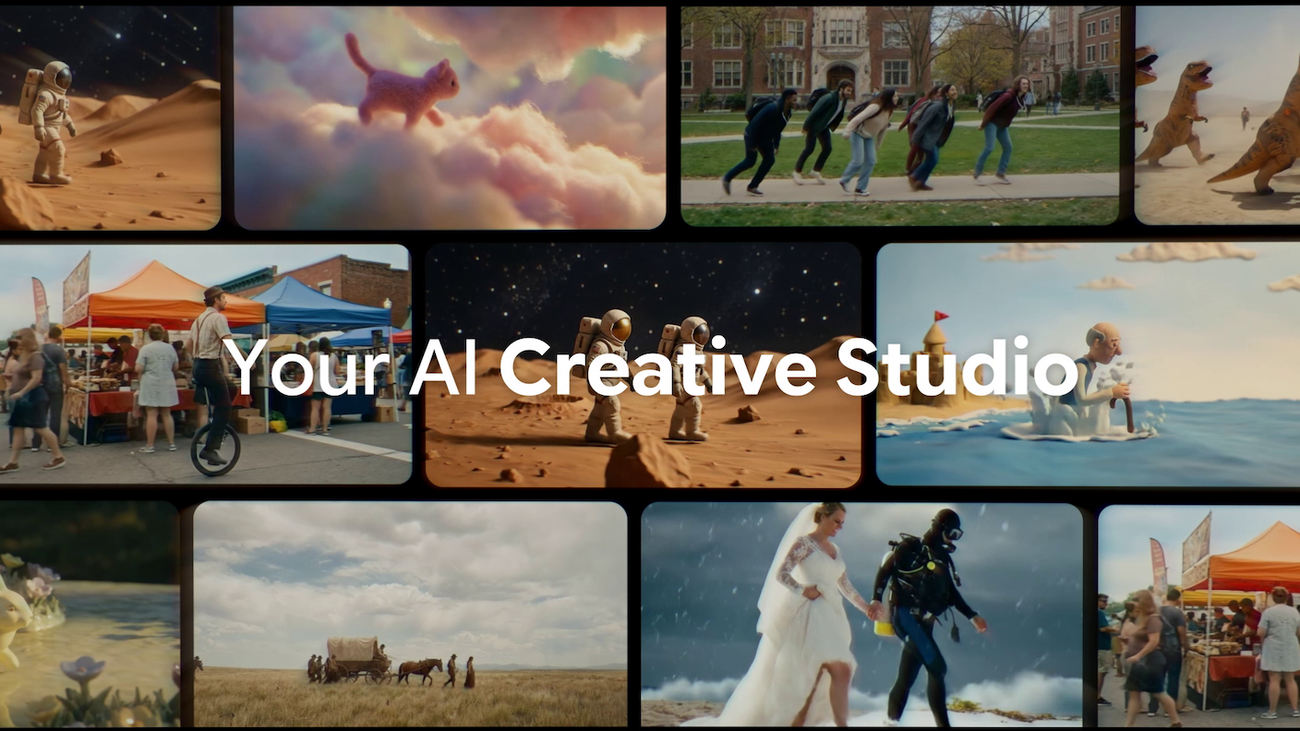
Google’s latest Flow updates push beyond prompt-to-clip novelty and into practical production control: image-first generation, tighter asset libraries, and more precise in-shot edits like object removal and camera movement direction.
Why it matters: When your ideation assets and edit assets live in one workspace, you reduce handoff friction between concept, rough cut, and revision. That directly improves turnaround speed for client work and short-form publishing.
Sources: Google Blog: New ways to create and refine content in Flow; Google Blog: Veo 3.1 Ingredients to Video updates.
If you want to operationalize AI-assisted preproduction without creating chaos in your post pipeline, a focused Content Consulting engagement is a practical way to standardize how your team moves from idea to deliverable.
2) Creator suites are converging across devices, which changes where real editing happens
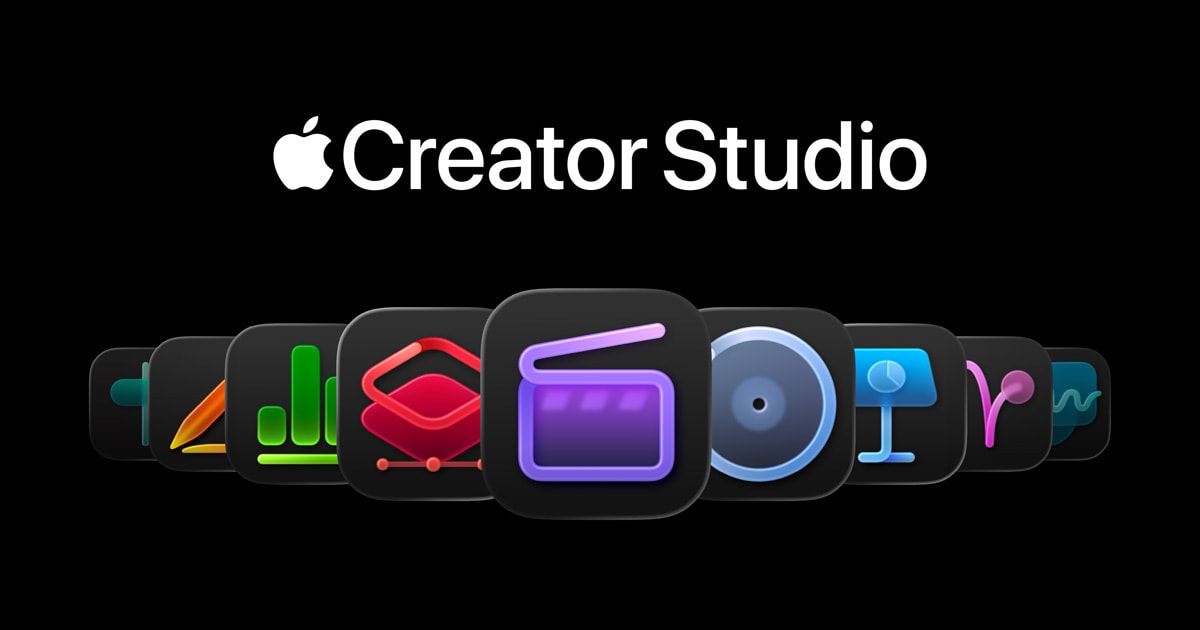
Apple’s Creator Studio bundle signals a bigger workflow shift: serious editing capabilities are being packaged across Mac and iPad, including Final Cut Pro, Motion, Compressor, and Pixelmator Pro in a single subscription layer.
Why it matters: The creator stack is becoming location-agnostic. Teams that can move cleanly between desk editing and tablet-based review and iteration can keep momentum without waiting for one workstation to free up.
Sources: Apple Newsroom: Introducing Apple Creator Studio; Apple: Creator Studio overview.
If your bottleneck is inconsistent team handoff between mobile and desktop edits, the One Day Content Creator Virtual Bootcamp can help you build a repeatable cross-device workflow.
3) Multi-camera control is shifting from hardware-heavy rooms to software-first orchestration
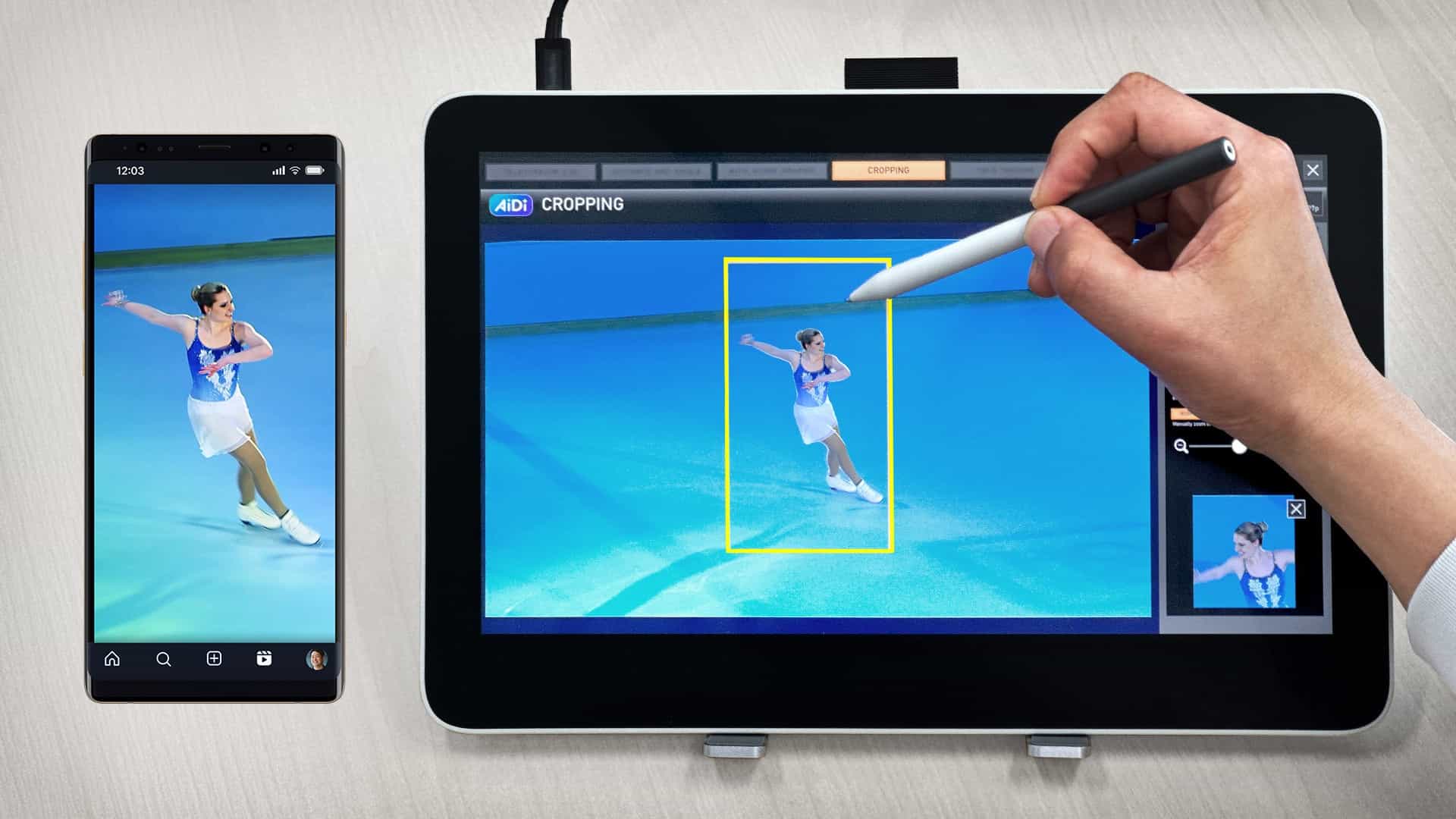
Panasonic’s Image Adjust Pro plug-in introduces software-based control for multi-camera environments from PCs and tablets, including centralized status monitoring and parallel operation with hardware ROPs.
Why it matters: Small teams can now run more complex multi-cam setups without scaling physical control hardware at the same pace. That lowers setup overhead while increasing flexibility for live or fast-turn production.
Sources: Panasonic Newsroom: Image Adjust Pro plug-in announcement; Panasonic Pro AV: Image Adjust Pro page; DJI Newsroom: SkyPixel photo and video contest details.
If you are building event or studio workflows where speed and polish both matter, a strategic 2-Day On-Site Content Intensive can help map control, capture, and edit responsibilities before production day.

What to Do Next
Pick one workflow decision to implement this week: build one short deliverable using a unified AI asset workflow, define a cross-device handoff checklist, and replace one hardware-only control dependency with a software control path.
From the Tographer
A sharp Tographer perspective on where creator workflows get diluted and how to rebuild them around signal, story, and execution.