Stop Buying “Faster” Cameras: 4 Workflow Bets Actually Paying Off in 2026

The unpopular truth: many creator teams are not capped by sensor quality anymore — they’re capped by how quickly they can turn rough ideas into usable assets without breaking handoffs. The teams pulling ahead are treating workflow design as a creative advantage, not back-office admin.
Trend Breakdown
1) Google Flow is collapsing image + video ideation into one workspace
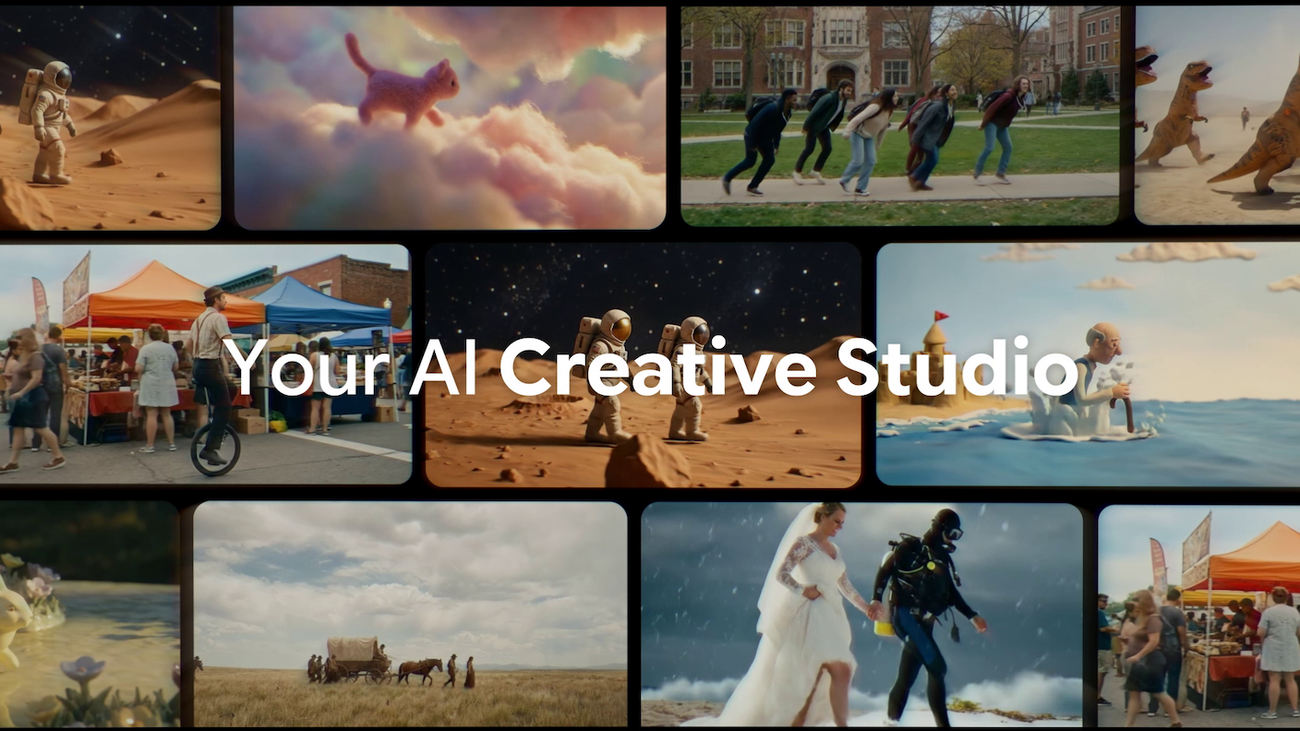
Google’s latest Flow update pushes image generation, asset transfer, collections, and natural-language edits into a single interface, while bringing Whisk/ImageFX workflows into the same environment.
Why it matters: Creators can move from moodboard to first draft without bouncing through multiple disconnected tools, which reduces revision lag and helps small teams publish faster.
Sources: Google Blog: New ways to create and refine content in Flow; Flow product page.
If your ideas are stalling before production, Tographer’s Content Consulting can help map a tighter ideation-to-publish system.
2) Local AI video stacks are becoming practical for real creator timelines
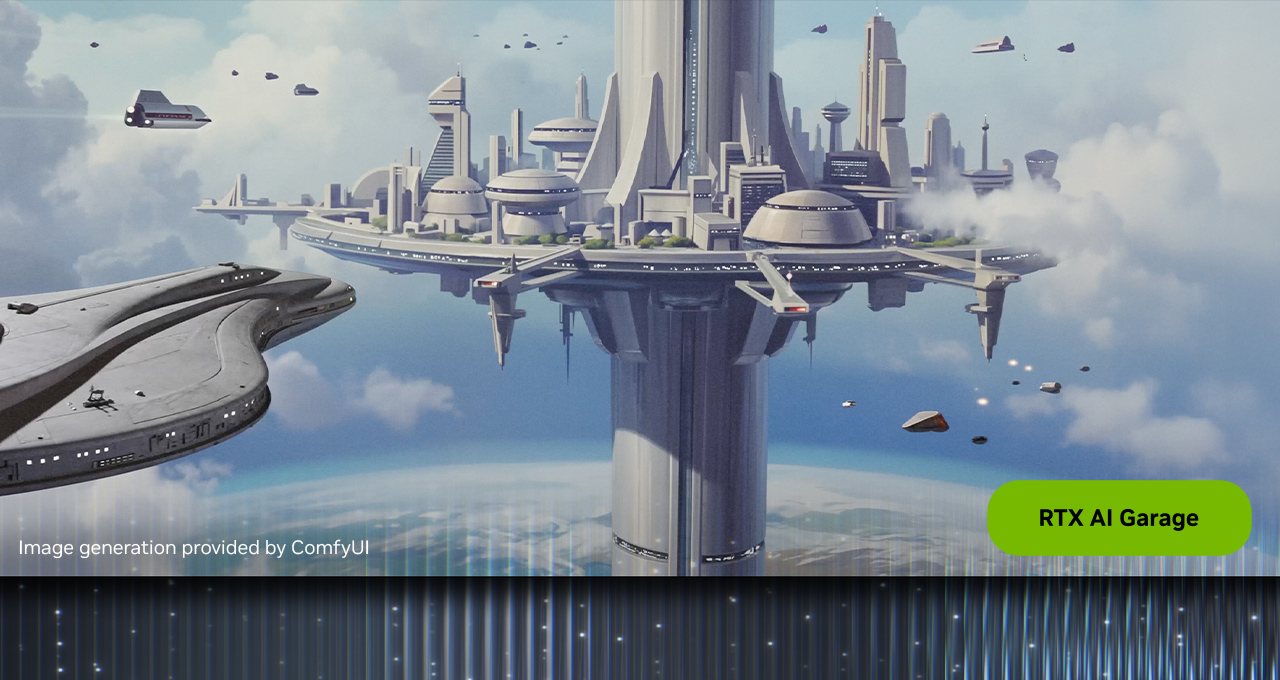
NVIDIA and ComfyUI are emphasizing simplified App View, RTX-accelerated workflows, and much faster 4K upscaling paths for local video generation.
Why it matters: Local-first generation and upscaling can reduce cloud wait time, recurring cost, and iteration friction — especially for teams producing concept footage, pitch videos, or short social variations.
Sources: NVIDIA: GDC creator workflow updates for ComfyUI + RTX; NVIDIA RTX ComfyUI node repository.
When your post-production cycle is bottlenecked by experimentation speed, the One Day Content Creator Virtual Bootcamp is a practical way to rebuild your editing loop.
3) PTZ ecosystems are shifting from camera shopping to integration planning
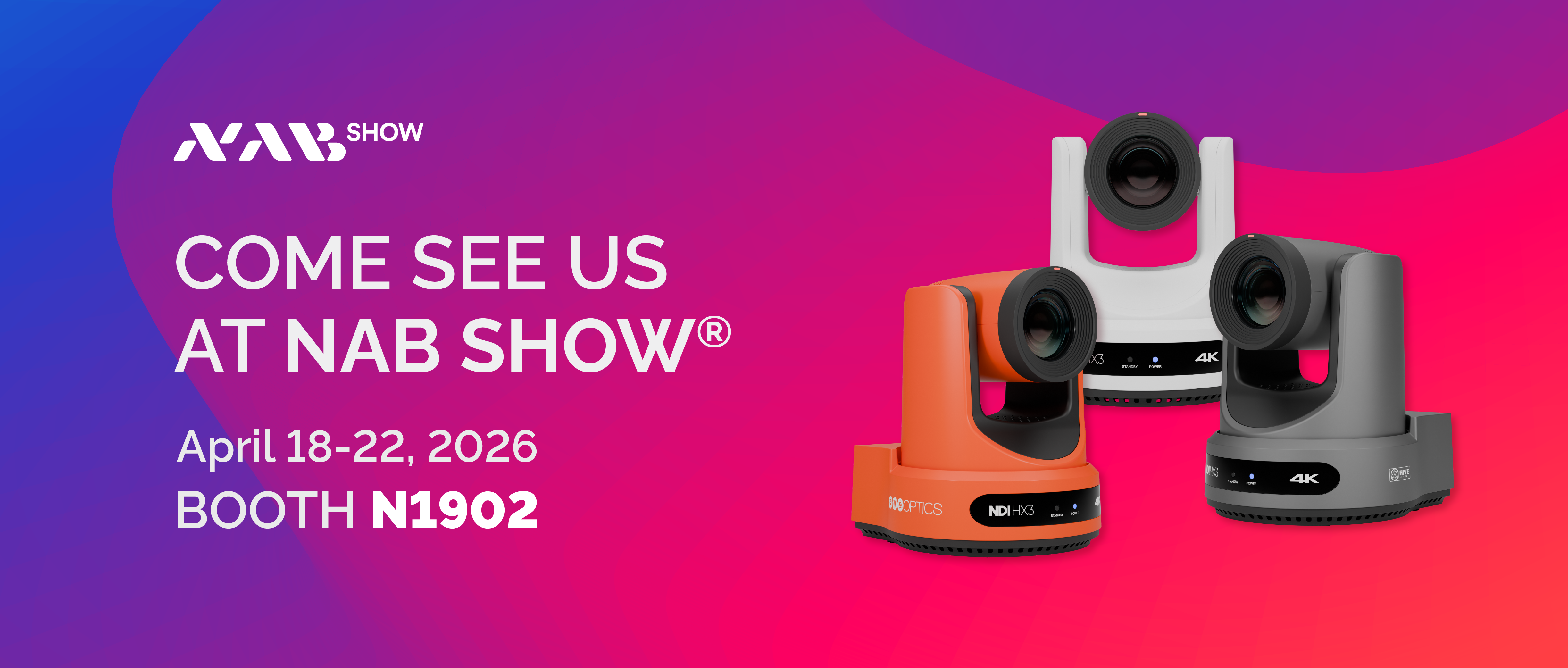
Bolin’s NAB 2026 preview centers less on headline specs and more on integration across NDI/SRT/IP workflows plus partner ecosystems (control, switching, and transport).
Why it matters: Teams scaling to live or hybrid production need systems that survive mixed environments. Choosing devices that integrate cleanly often saves more time than chasing marginal image upgrades.
Sources: Bolin: NAB 2026 product and workflow preview; NAB Show 2026 event context.
For teams planning bigger production transitions, Tographer’s 2-Day On-Site Content Intensive fits this integration-first stage.

4) Apple is packaging pro creative tools as a single operating layer
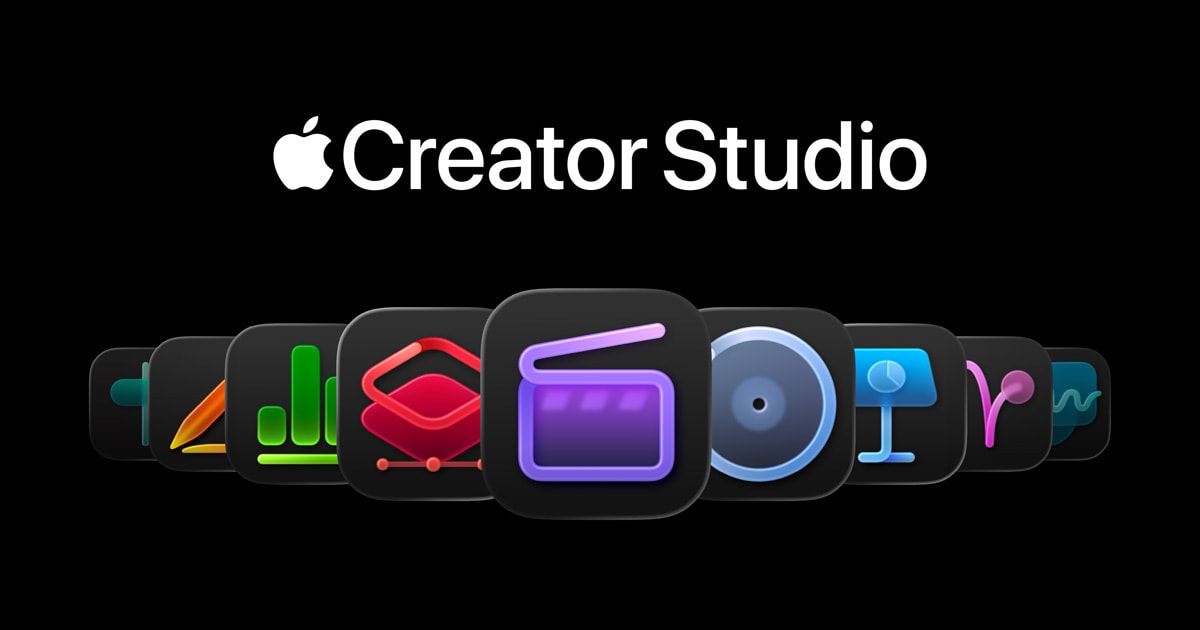
Apple Creator Studio bundles Final Cut Pro, Logic Pro, Pixelmator Pro, and companion apps into one subscription workflow across Mac and iPad.
Why it matters: For multi-skill creator teams, a unified app stack can reduce tool sprawl and simplify onboarding, handoffs, and project continuity across devices.
Sources: Apple Newsroom: Creator Studio announcement; Apple Creator Studio overview.
What to Do Next
Audit one recurring format this week and score it on three points: idea-to-first-cut speed, revision handoff clarity, and publish consistency. Improve the weakest score first — that’s usually where the biggest throughput gain lives.
From the Tographer
A practical walkthrough on enabling Lumix paid upgrades and making sure technical setup decisions actually support the workflow you need.