Weekly Throwback: How to Organize Your Video Editing Projects — Then vs Now

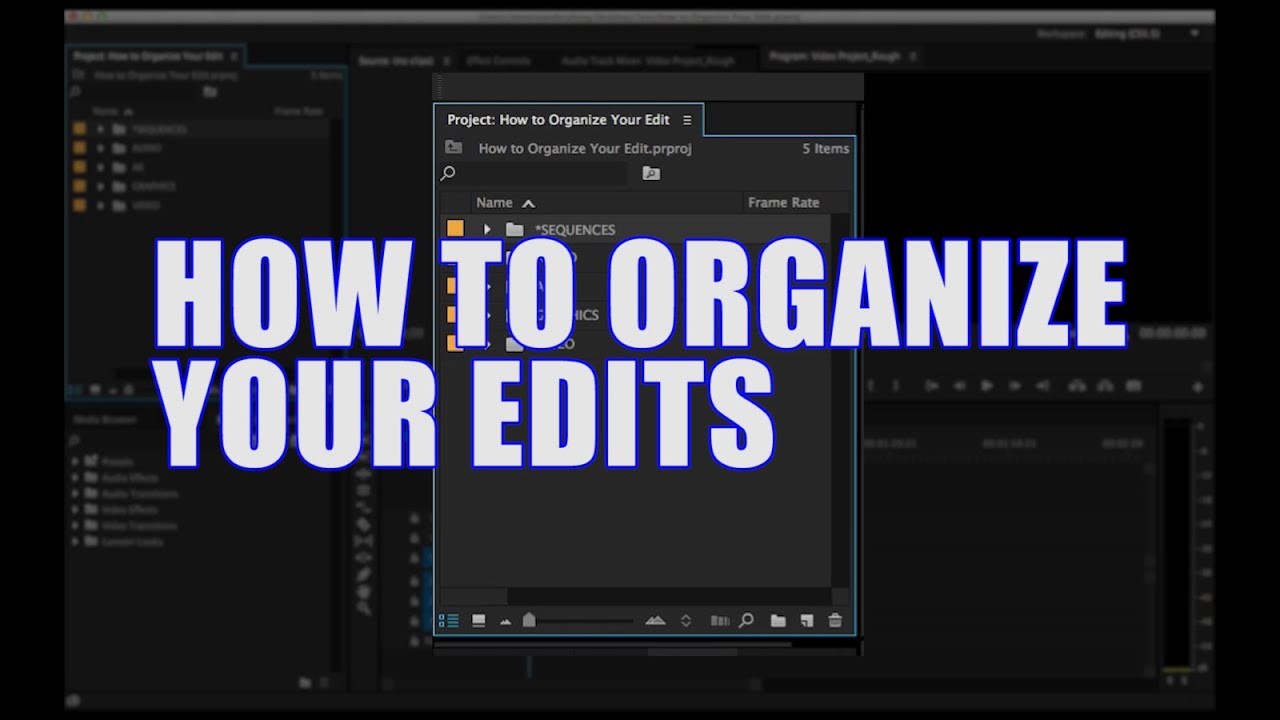
On 2015-04-06, I published "How to Organize Your Video Editing Projects" because I kept seeing editors burn time (and money) hunting for files they already had.
Original throwback video: How to Organize Your Video Editing Projects
Why this mattered then
Back then, my core thesis was simple: organization is not optional. If you edit long enough, you will reopen old projects, hand off timelines, or inherit someone else’s chaos.
A few lines from the original still capture the point: "Make sure that your projects are organized," "It’s all about leaving breadcrumbs," and "5% more time upfront saves 500% later."
What changed since
The output stack is heavier now: long-form, shorts, social versions, caption variants, and rapid turnarounds. We also have cloud reviews, remote editors, and AI tools in the loop.
But workflow debt still compounds exactly the same way. If naming and structure are sloppy, modern tools just help you move faster in the wrong direction.
What I’d do differently today
If I remade this now, I’d keep the same folder discipline but add delivery-first structure, metadata standards, and handoff-readiness by default.
If you’re rebuilding your own system, practical support options include Content Consulting, a focused 1-Hour Virtual Consult, and the One Day Content Creator Virtual Bootcamp.
What still holds up
Non-destructive revisioning still wins. Consistent naming still cuts cognitive load. Team-friendly structure still saves future you.
The tools are newer, but the principle is unchanged: clarity beats cleverness.
Practical takeaway for creators now
Create one repeatable template, mirror your bins with drive folders, use explicit revision names, and add a simple project README before review starts.
If your pipeline feels stressful, don’t start with a new camera—start with a cleaner system. Reliability is still what gets creators paid.